ButtonStyle
Description
Having a unified style of buttons in you user interface is helpful to allow users to quickly distinguish between a variety of actions. Red buttons might stand for distructive actions, green ones for constructive ones.
ButtonStyles help you keep your UI consistent.
UCGUI has only a simple default ButtonStyle: Plain. It adds a bit of padding around the text (if there is one) and colors the buttons white. This is similar to the default button appearence when creating one via Unity's native GUI.
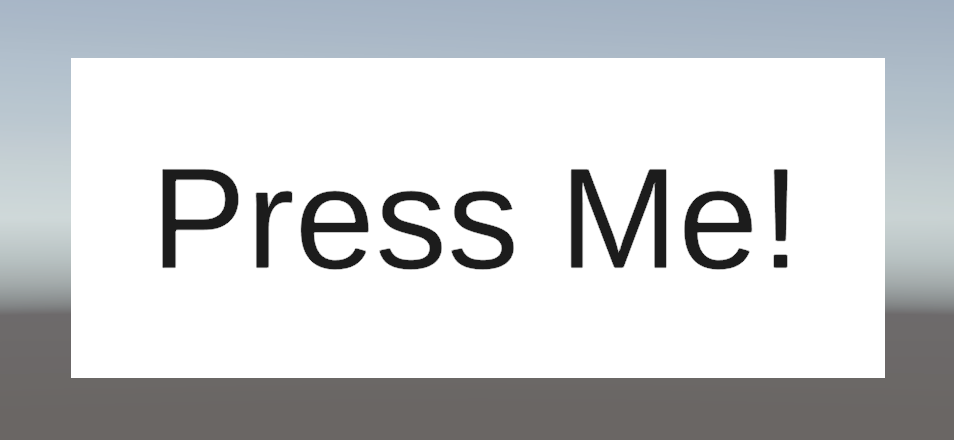
It is applied to every button by default, so if you want to have every (basic) button for you game to represent your unique style you can simply override the the style. Learn how to do that here.
You can of course also use the expand functionality to create more context specific button variants!